 System Mechanic Powered by
Install and Activate System Mechanic®
1

2
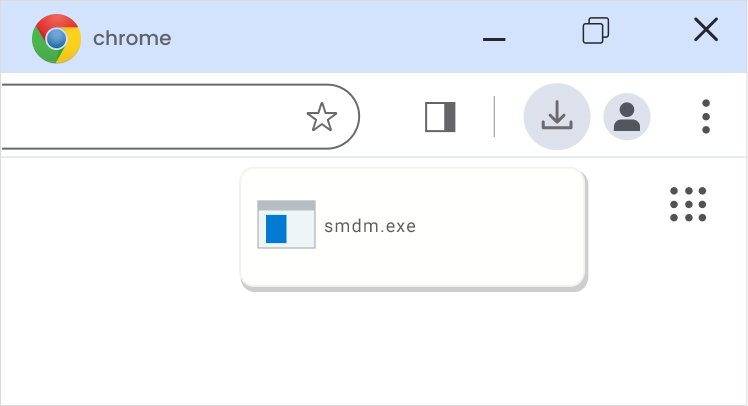
When the file has finished downloading, click on the smdm.exe file.
Tip: look in the top-right corner of your browser
3
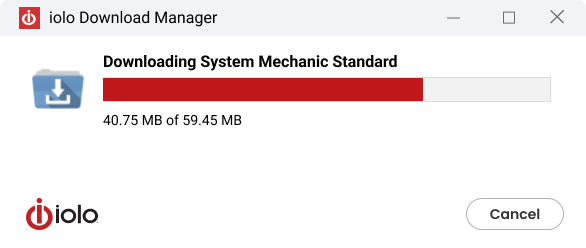
The download manager will begin the download and installation process.
4
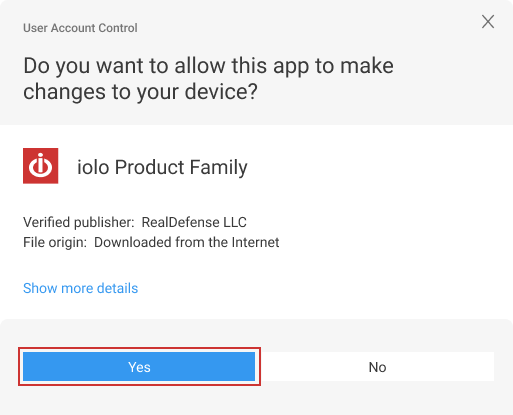
Click Yes on the User Account Control dialog.
5
Click Install in the installer window.

6
Click Finish Activation to complete the installation process. Congratulations! You have successfully installed System Mechanic.