

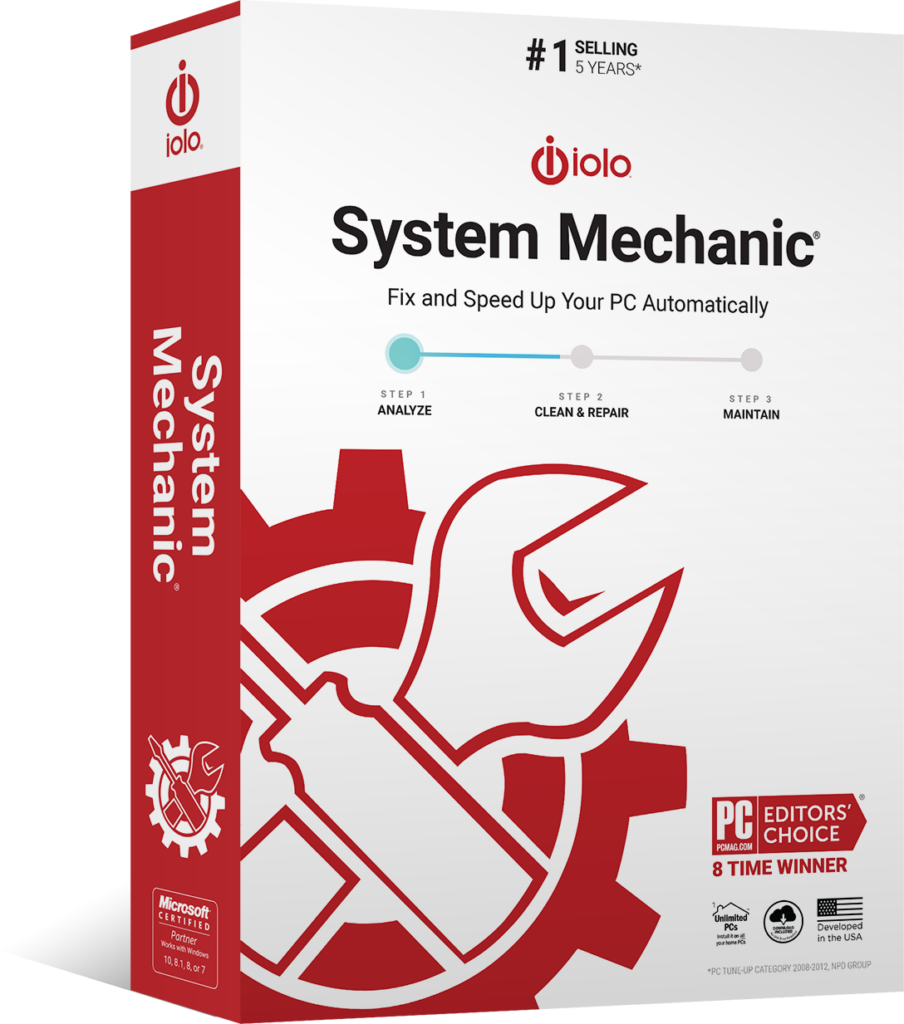
System Mechanic®
Fix & Speed Up Your PC Automatically
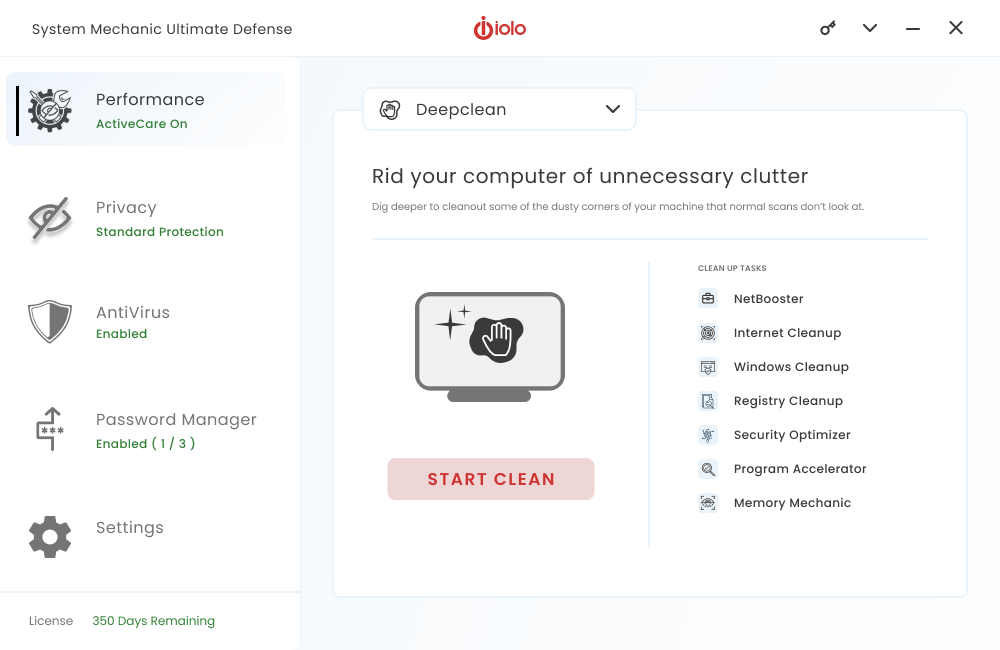
- Deletes junk files that cause sluggishness and system instability
- Removes system-hogging bloatware you didn’t know was there
- Helps secure open router ports and connected home devices
- Boosts performance in real time for gaming, streaming, and downloading
- Frees trapped memory and defragments drives for even more speed
- Automatically cleans and repairs whenever your PC is idle
$29.95
Normally $49.95Save $20.00

Trustpilot

4.2

4.5

4.7
Hier ist die Datei, die Sie zur Installation von System Mechanic Free® benötigen
Danke für das Herunterladen!
Sie haben es fast geschafft! Hier finden Sie eine Anleitung zum Installationsvorgang.
1
Führen Sie das System Mechanic Free®-Installationsprogramm aus
Klicken Sie auf die heruntergeladene Datei, um sie zu installieren.
2
Bestätigen Sie die Installation
Wählen Sie im Systemdialogfeld „Ja“ aus, um die Installation zu bestätigen.
3
Befolgen Sie die Installationsanweisungen
Klicken Sie im Installationsfenster auf „Installieren“, um mit der Installation zu beginnen.
Hinweis: Sollte Ihr Download nicht automatisch starten, klicken Sie bitte hier.