★★★★★
Easy to use/understand UI. SMPro is really worth looking into.
RB

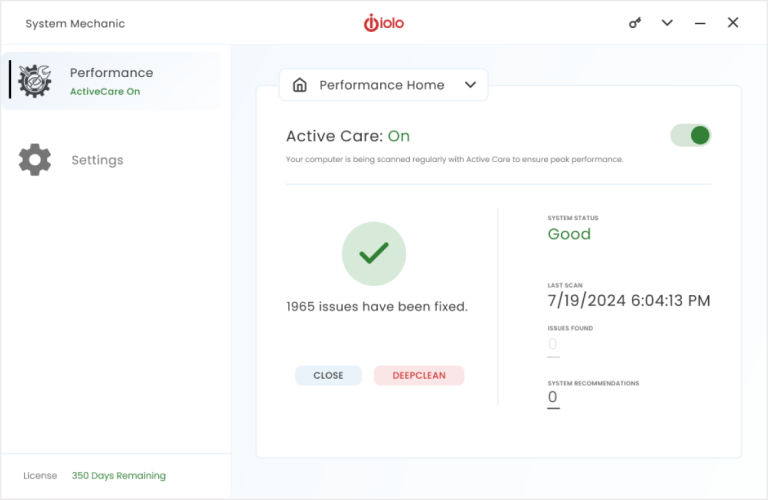
Every PC collects junk files and registry errors that quietly slow your computer down. System Mechanic fixes common issues to make it run like new again.

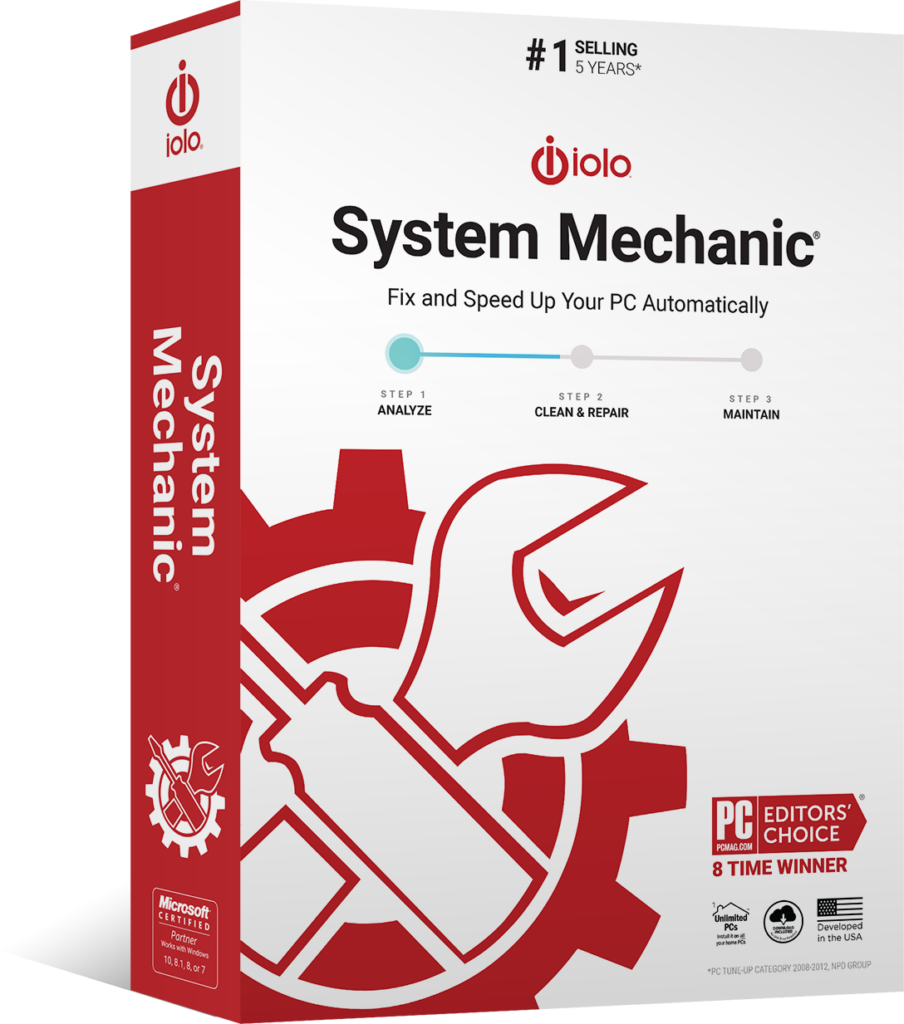

8 Time Winner

Common system issues like registry errors, low memory, and unnecessary clutter can cause your computer to lag, freeze, or crash. Resolving these issues improves your PC’s speed and performance, so you spend less time fixing it and more time using it.

Optimize CPU and RAM for faster and smoother performance while gaming, editing, or streaming.

Find and fix more than 30,000 different issues in the background, while your PC is idle, to keep it stable and updated.

Find and remove unnecessary startup programs that are running without your knowledge and slowing you down.

Safely wipe sensitive browsing history and patch Windows security issues that could make your PC vulnerable.

Optimize your internet settings to unleash faster surfing and downloads, as well as more stable connections.

Delete more than 50 kinds of hidden junk files to free up disk space for your valuable documents, videos, music, and photos.
 4.1
4.1 Easy to use/understand UI. SMPro is really worth looking into.
I loved it! been using this software for a long time. never stop to amaze me.
I Need to Reinstall As it doesn’t load. I have been using it for years. I Love it.
System Mechanic was my go-to program for keeping my PC clean and error free. I will be returning in the future.
program kept freezing i uninstalled it now getting to download again so we will see soon
Online chat helper Alex seems to know what he’s doing so I’m following his instructions
Talk about a range of elements, including customer service. Thank you Joe Montano.
I always loved product but cant run with Mc AFFEe
I’ve used Iolo for many, many years and have always valued the help System Mechanic can give. Especially in freeing up memory and speeding up the computer.
System Mechanic helped speed up my computer and downloads.
System Mechanic helped speed up my computer and downloads.
Love the program. Have it on all the family computers!
System Mechanic did a great job keeping my computer clean and running fast. Being in school full-time, just cannot afford the increase in price right now.
After many years of being a FAITHFUL USER, I would recommend System Mechanic to any body using Windows. Moreover, MICROSOFT WINDOWS CAN NOT SURVIVE without System Mechanic.
Everyone is easy to do…. but the anti-virus stopped working. It ALWAYS needed to be updated…. even immediately after an update…. and it could not be turned on.
Millions of people around the world have already made System Mechanic the tool to fix their PC issues.
Fix Issues