
Driver & Software Updates


Updating your PC’s drivers is fast and easy.
In seconds, iolo Updater scans and updates outdated drivers for all your devices.
Download for Free All PCs Supported



Loretta Erses Feb 24, 2024
GetMyDrivers Software is great. I needed the product, and it was easy to obtain.
Update Your Software and Drivers in 3 Quick and Easy Steps.

Step :1
Download and install iolo Updater.

Step :2
Scan your PC’s software and drivers against iolo Updater’s huge database.

Step :3
Click Update All to install all the software and driver updates.
Updating software and drivers will solve many problems common with PC applications and hardware, while ensuring your devices operate at peak efficiency.
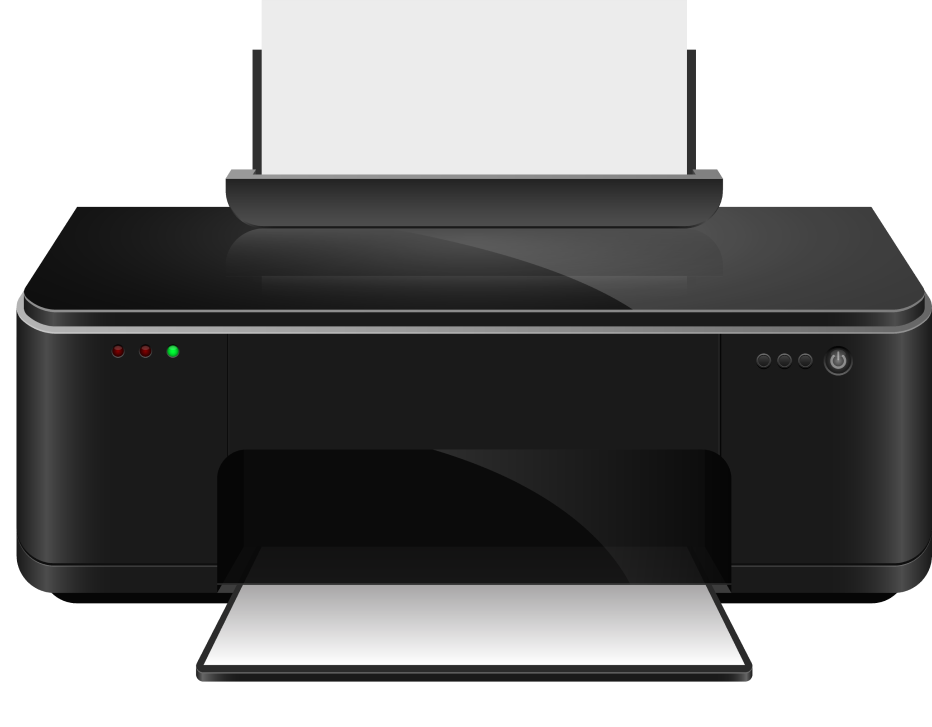
Update Your Software and Devices and See Better Performance.
Get the latest feature updates, security patches, and performance enhancements for your PC and devices, so you can stay secure and productive.
Download for Free(All PCs Supported)

Support for most devices*

Automatic & reliable updates

Easy driver backup & restore

Protects against vulnerabilities
iolo Updater Delivers Real Benefits
IMPROVES STABILITY & SECURITY
Updated drivers & software shield your PC from vulnerabilities such as bugs and malware
EASY & AUTOMATIC SCANNING
Automatic driver & software updates means doing the checking for you, so you never have to.
TOTAL SYSTEM PROTECTION
One tool scans and updates all your PC devices with just one simple click.
EASY-BREEZY BACKUPS
Easily revert any driver to a previously saved backup point should something unexpected happen.
Supported Driver Types
- Graphics Cards
- Wi-Fi Adapters
- Sound Cards
- Storage Devives (HDD/SSD)
- Printers and Scanners
- Bluetooth Devices
- Webcams
- USB Devices and Hubs
- Game Controllers
- Virtual Reality Headsets
- External Audio Interfaces
- Touchpads
- Optical Disk Drives
Supported Software Types
- Browsers
- Communications
- Internet
- Multimedia
- Networking
- Productivity
- Security
- Social
- Utilities
Minimum System Requirements
- Windows 11, 10, 8.1, 8, 7
- Intel or AMD Dual Core Processor or higher
- 2 GB RAM
- 100 MB of available hard disk space
- Microsoft Windows Compatible Video Card
- Internet Connection
- Windows “Administrator” user Account