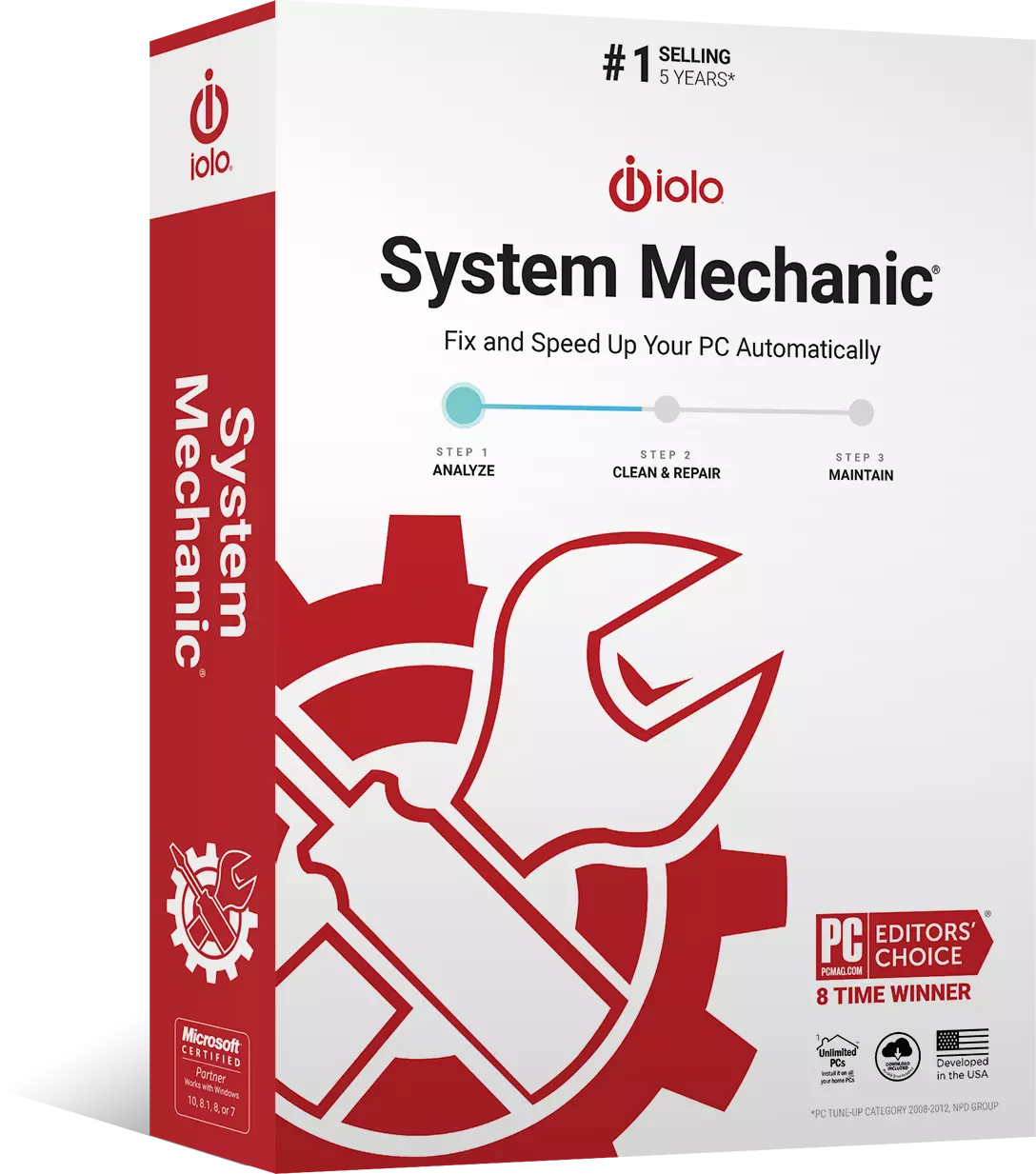
Get Award-Winning System Mechanic® for only $24.95
Limited Time Offer – Make your PC run like new and get 24/7 LiveTech for just $24.95
- Patented performance technology
- Fixes frustrating errors, crashes and freezes
- Restores maximum speed, power and stability
Normally $49.95$24.95/mo


Best Offer!
Get System Mechanic Ultimate Defense + 24/7 LiveTech
Get It NowHurry Offer Ends expiration date
- Bonus: Includes Whole Home License for use on all home PCs
- Unlimited 24/7 LiveTech support for all your devices. Get live help with any tech issue: printers, laptops, mobile phones, WiFi setup, and so much more.
- Free automatic upgrade to the latest available version



Boosts Speed
Automatically increases the speed and availability of CPU, RAM and hard drive resources when you launch high-demand apps for the smoothest gaming, editing and streaming.
Repairs Problems
Finds and fixes over 30,000 different problems using intelligent live updates from iolo Labs™ to keep your PC stable and error-free.
Removes Bloatware
Identifies unwanted startup programs that slow you down by launching and running without your knowledge.
Protects Privacy and Security
Safely wipes sensitive browsing history and blocks dangerous system changes that compromise speed and stability.
Unleashes Internet Speed
Automatically optimizes hidden Windows Internet settings for faster downloads, snappier page loads, less buffering, improved video quality and smoother gaming.
Cleans Out Clutter
Removes over 50 types of hidden junk files to free up valuable disk space and make more room for your documents, movies, music and photos.
Automated PC Care
 Enhanced ActiveCare®
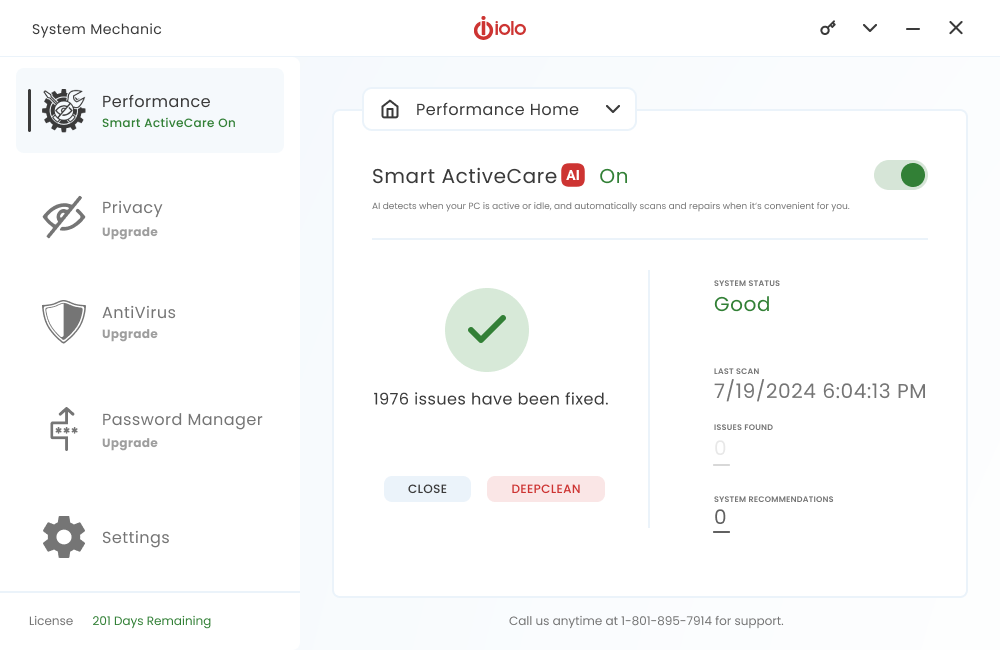
Advanced cleaning and repair removes more unsafe clutter and fixes more problems than ever before, going to work whenever your PC is idle.
 New Modernized Interface
Redesigned look is the easiest version to use yet, featuring larger text, faster loading and simplified features menus.
 Enhanced LiveBoost™
Adjusts dozens of Windows settings for greatly improved processor, memory and hard disk stability and performance.
Clean
 Enhanced PC Cleanup™
Cleans up over 50 types of junk files.
 Enhanced Privacy Cleaner™
Wipes internet and chat history, clutter and cache.
 Enhanced Registry Tuner™
Defrags, compacts, optimizes and backs up system registry.
Speed Up
 Enhanced Program Accelerator™
Automatically increases the speed and availability of CPU, RAM and hard drive resources when you launch high-demand apps for the smoothest gaming, editing and streaming.
 Enhanced Startup Optimizer™
Automatically increases the speed and availability of CPU, RAM and hard drive resources when you launch high-demand apps for the smoothest gaming, editing and streaming.
 Enhanced NetBooster™
Speeds up Internet, videos, downloads and games.
 Memory Mechanic™
Speeds up Internet, videos, downloads and games.
Protect
 Security Optimizer™
Finds and plugs Windows security holes with the latest available patches.
 New Privacy Shield™
Lets you turn off aggressive Windows personal data collection services otherwise difficult to disable.
 Incinerator™
Safely and permanently deletes unwanted sensitive files.

“System Mechanic’s optimizations have a noticeable positive impact on performance.”
– Softonic

“ If your PC isn’t blazing along at the same pace it did when you first pressed the power button a few weeks, months, or years ago, you should invest in iolo System Mechanic.”
– PC Magazine

“System Mechanic’s optimizations have a noticeable positive impact on performance.”
– TechRadar
“I bought the original System Mechanic and thought it could never be improved upon, but you seem to have outdone your earlier work and made a truly remarkable upgrade.”
-Jerry W., Ph.D.
“ System Mechanic has become my tech of choice to keep this novice’s computer running smoothly. I really appreciate the program and the service when needed.”
-Mark J.
“System Mechanic saved me from having to purchase a whole new computer. Well worth the investment!”
-Arthur H.
Relax with LiveTech Support
LiveTech technical support is here to solve any problem with any device anytime, anywhere.
Unlimited 24/7 access
to LiveTech technicians who can remotely diagnose and resolve problems affecting your computer. Day or night, we’re ready to help! technicians who can remotely diagnose and resolve problems affecting your computer. Day or night, we’re ready to help!
More for your money
with service capabilities that address everything from slow speeds to virus removal, crashes and blue screens to device connectivity issues and more!
Quick and convenient repair
with most issues fixed in just one day. No more taking your computer into a repair shop or giving unauthorized access to your data.
Remove viruses and spyware
without doing a full reset on your computer. We’ll identify and remove infected files and set up a safer browsing experience for you.
Stop crashes and blue screens
or other unexpected errors that cause data loss and other errors affecting the integrity of your computer.
Any technology issue solved
like trouble with printer or WiFi setup/fixes, routers, modems, smart TVs, computer backups, and any computer-related issue.
What is iolo's Whole Home License?
The Whole Home License® is iolo’s licensing policy that allows you to install and keep your software running on all of your compatible devices within the same home. Previously, users were allowed to install and license their iolo software simultaneously on a maximum of three PCs. Under the Whole Home License, a single activation key allows you to use your iolo software on all of your PCs, other than any PCs you use for business purposes.
What you need to know about Whole Home Licensing
- You, your spouse, and your relatives living within the same household may use the same license on any number of PCs that you own which are not used for business.
- For full legal terms and conditions, see https://www.iolo.com/company/legal/eula/
To install your iolo product on additional PCs:
- On the additional computer, download the latest version of your iolo product. Choose from the list of downloads offered here.
- Follow the steps in the installation wizard, and enter the same Activation Key that you used to install on your original computer.
You can view the Activation Key on the original computer from within System Mechanic > red menu bar > key icon > Activation Key.