System Mechanic®
Clean, repair, and speed up your PC
 Automated PC Care
  Clean
Clean  Speed Up
  Protect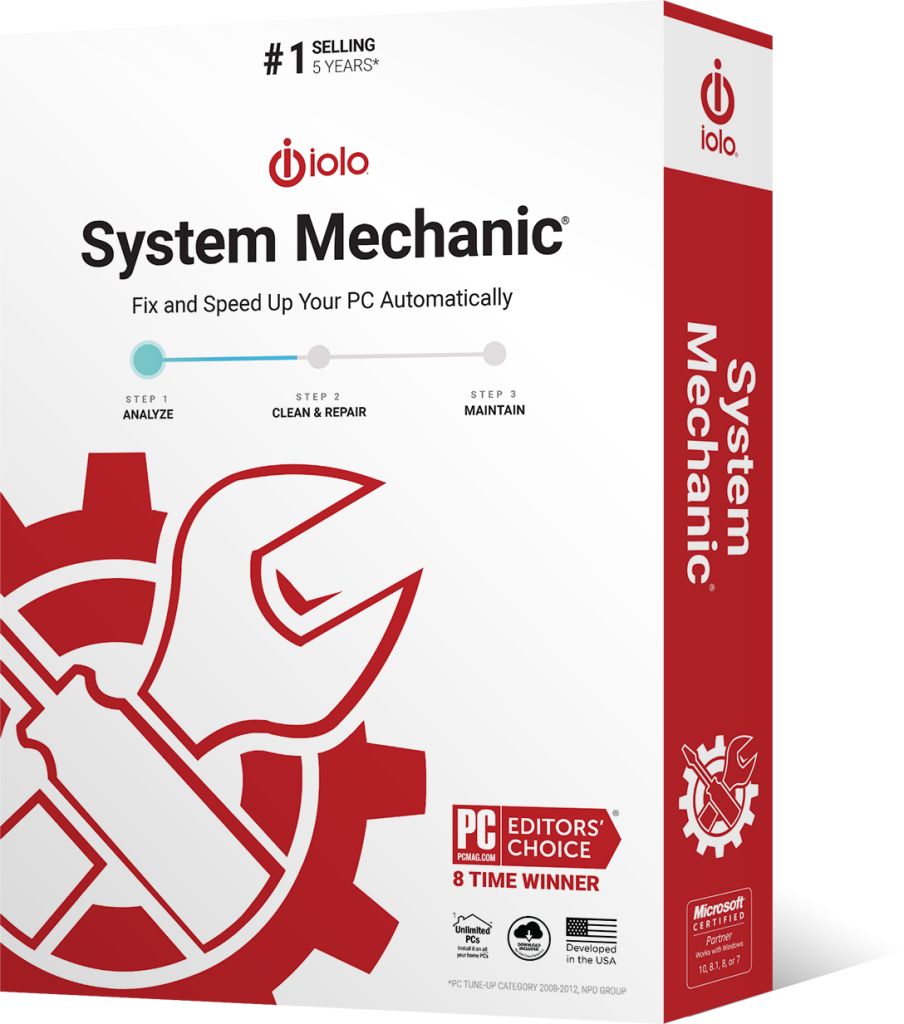


Overview
Clean up and optimize your Windows PC with the award-winning System Mechanic.
Enjoy better performance, increased speed, and more processing power in seconds.

Boosts Speed
LiveBoost automatically increases the speed and availability of CPU, RAM, and hard drive resources for the smoothest gaming, editing, and streaming experience.

Repairs Automatically
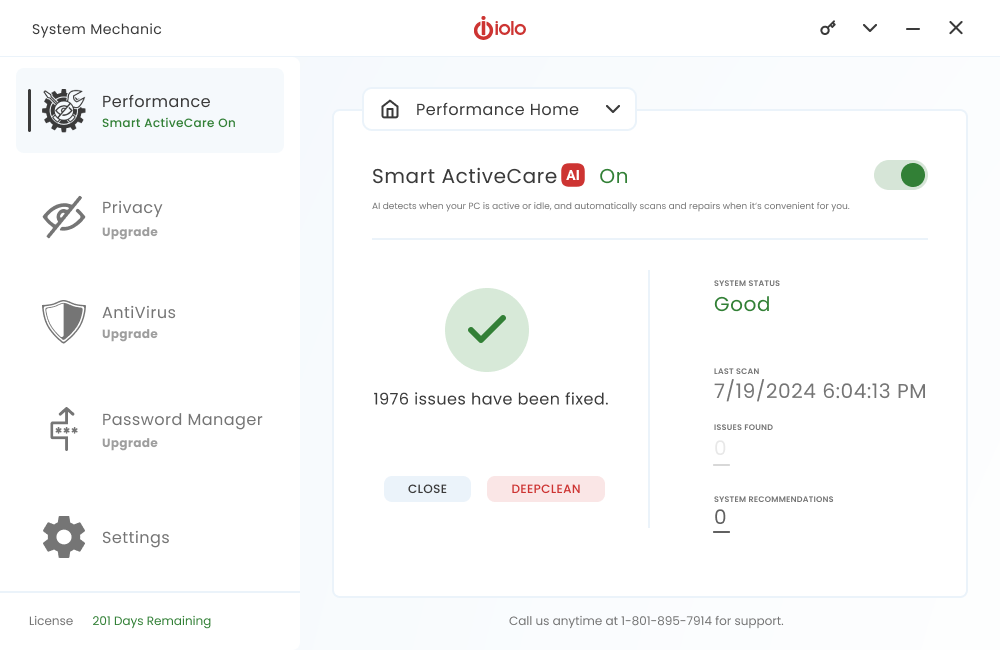
Smart ActiveCare uses AI to detect and repair issues when your PC is idle, so you’re not interrupted.

Removes Bloatware
Finds unwanted startup programs that slow you down by launching and running without your knowledge.
Protects Privacy and Security
Safely wipes sensitive browsing history and patches Windows security vulnerabilities that can harm your computer.

Unleashes Internet Speed
NetBooster optimizes hidden Windows internet settings for faster downloads, snappier page loads, and less buffering.
Cleans Up PC Clutter
Removes over 50 types of hidden junk files to free up valuable disk space and make more room for your documents, movies, music, and photos.

With System Mechanic for up to 10 devices.
One subscription covers all personal computers in your home. Network Scanner now identifies devices on your home network. Enjoy added peace of mind knowing System Mechanic is looking after you and your family.
Get started today AI-powered PC Care
Smart ActiveCare automatically finds and fixes more than 30,000 different issues, conveniently scheduling repairs when your PC is idle.
PC Clean Up
Cleans up over 50 types of junk files with our enhanced PC Cleanup™.
Speed Up
Blocks bloatware at startup to accelerate boot time, speed up your computer, and improve system performance.
Protect
Identifies and helps remove deceptive and potentially unwanted programs (PUPs) that are a nuisance and often major resource-drain on your PC.
You’re in Good Hands
Millions of people around the world have already made System
Mechanic the place to fix their PC Problems. Read our Press Reviews.

“System Mechanic is a slick suite of tune-up tools that can dramatically improve your PC’s performance.”

“System Mechanic is a quick, simple way to clear unwanted files from your PC and give it a noticeable performance boost.”

“System Mechanic is a simple way to give your PC a basic clean-up, and its detailed scans and scheduling options are a cut above many rival programs.”
Choose the System Mechanic product that’s right for you
We have a version of System Mechanic for everyone. Checkout what version is right for you.
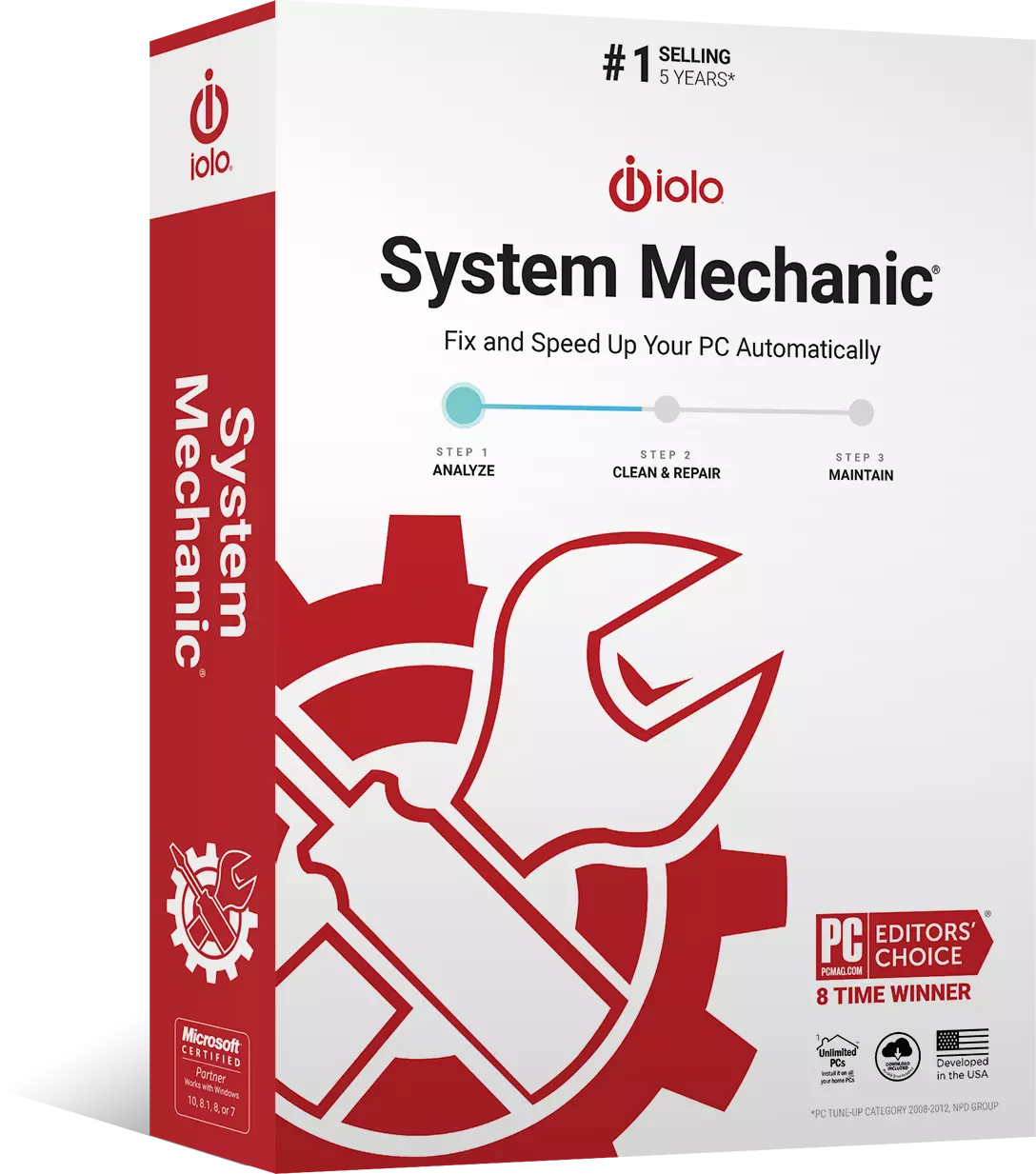
System Mechanic®
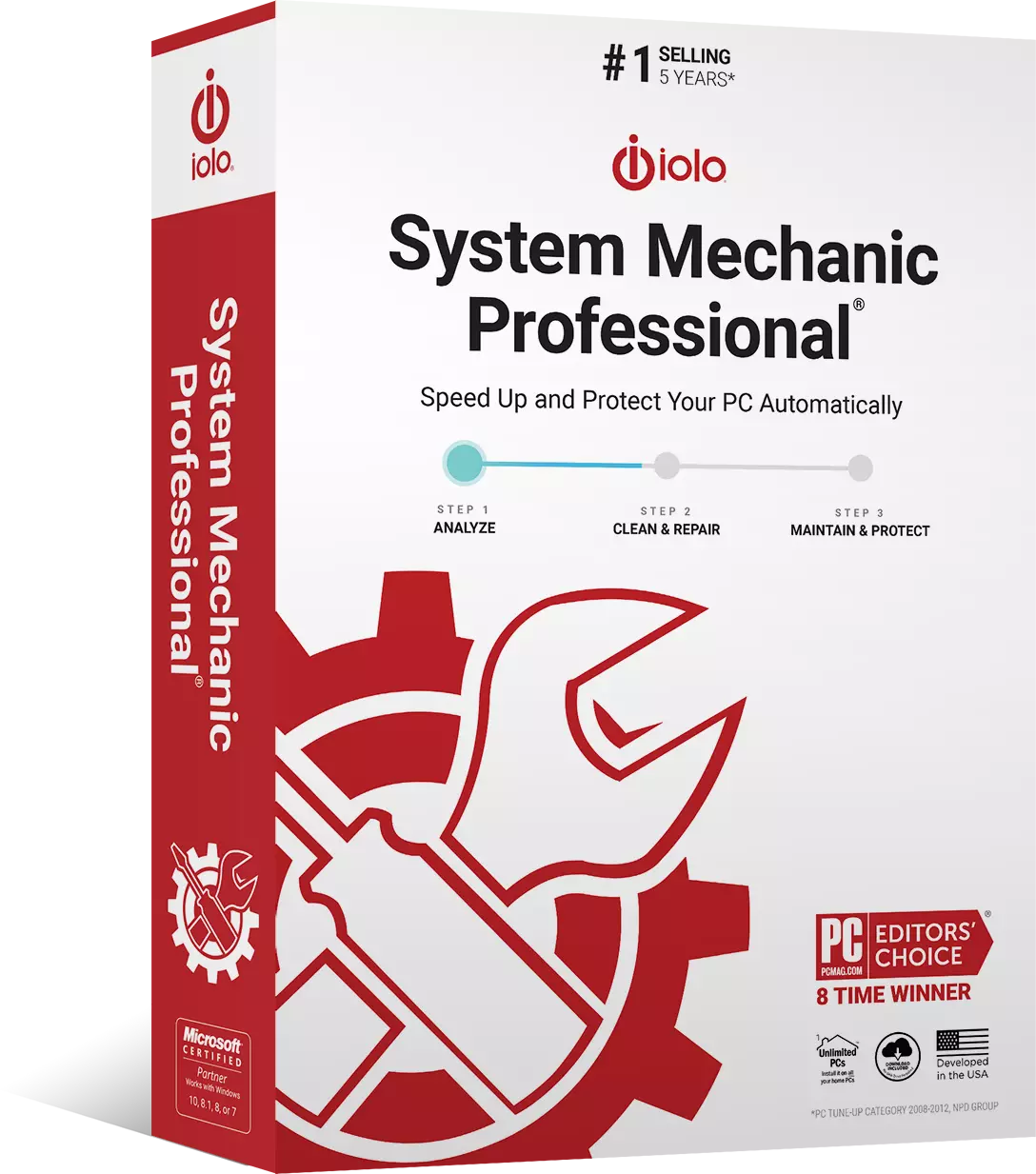
System Mechanic Pro®
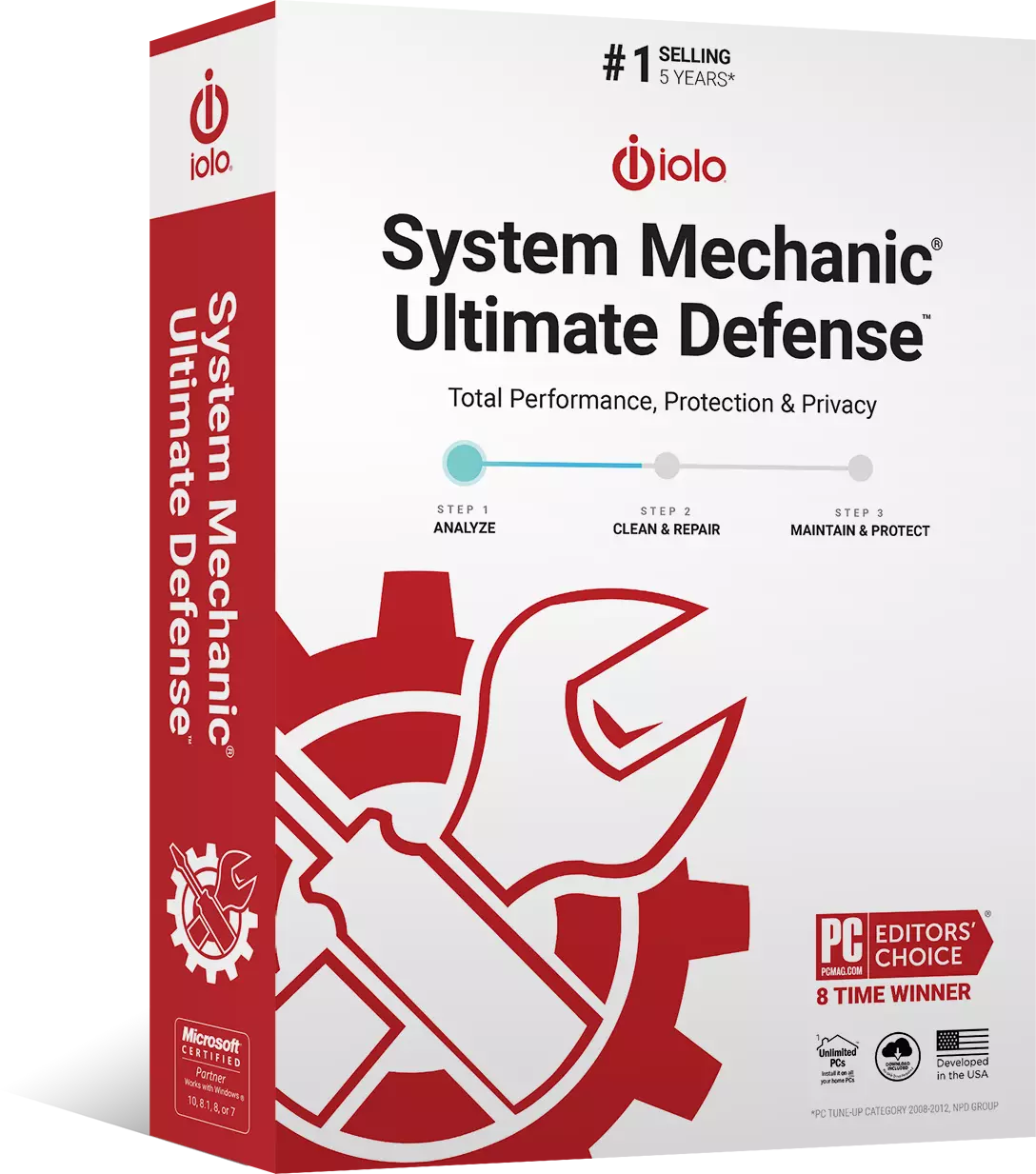
System Mechanic® Ultimate Defense™

FAQs
Does System Mechanic have a free version?
Yes, iolo offers System Mechanic® free for advanced PC optimization, repair and maintenance! You can take advantage of System Mechanic® risk-free for 30 days!
How often should I run System Mechanic?
We recommend running System Mechanic once every 3 days. However, you can adjust the frequency to your liking within the settings panel.
Will System Mechanic slow my computer down?
Absolutely not. System Mechanic will only schedule tasks when your PC is idle.
Why is my computer so slow?
Some common reasons why your computer might be slow include not having enough disk space, too many startup programs, hidden malware, viruses, too many browser tabs or applications open at once, or outdated drivers which can be fixed using by using software to scan for drivers online. The good news is System Mechanic can help identify and fix these issues.
How do I get the latest version of System Mechanic?
By default, System Mechanic will automatically check for software updates.
Is System Mechanic an antivirus?
System Mechanic a leading automated performance solution for your PC. For antivirus capabilities that block and remove the latest types of malware we suggest you upgrade to System Mechanic Ultimate Defense.
Will System Mechanic improve my internet speed?
Yes! System Mechanic’s NetBooster is specifically designed to help increase maximum download and upload speeds and optimize your internet connection, giving you a faster and more reliable connection.
What if I need help using System Mechanic?
Our easy-to-understand product help documentation explains how to access each of System Mechanic’s tools, what they do, and why you should use them. Need more help? Reach us 24/7 by live chat on iolo.com.
Why System Mechanic

For use on All your home PCs

For use on All your home PCs

30 day money-back guarantee

Windows® 11, 10, 8.1, 8, 7

Frequently Asked Questions

Source: NPD intellect

20+ years of PC performance innovation

Over 80 Million PCs repaired

iolo Labs intelligent Tune-up Definitions™

U.S. Pat. 7,873,877
Offer Details: Certain product features require ongoing updates from iolo. One year is included in the initial purchase. After this initial period expires, you must renew to continue to receive access to such features. You may enable automatic renewal during checkout and update your automatic renewal preferences by logging into your iolo Account. See Sales Policy for more details.