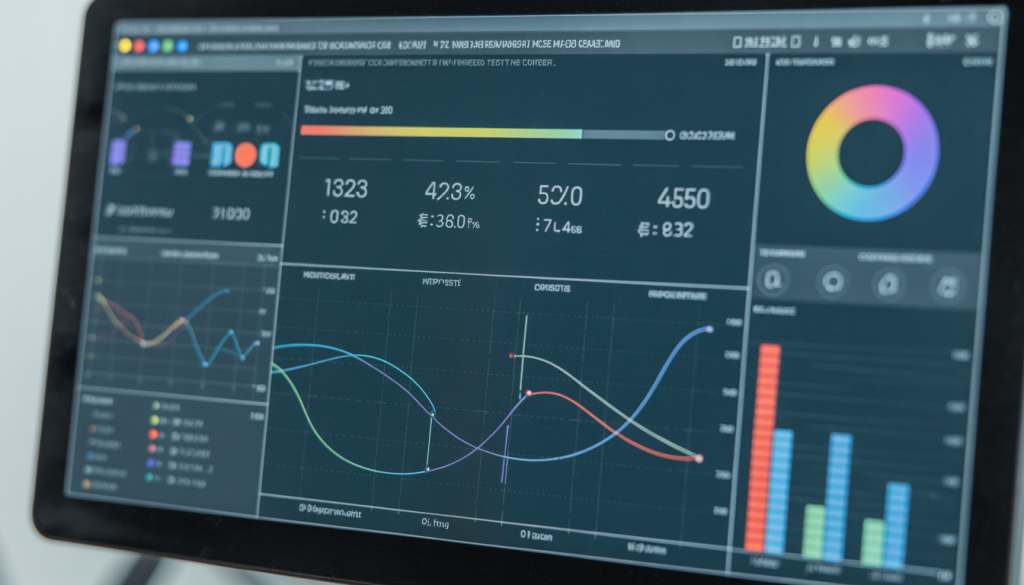
PC benchmarking is a powerful tool that lets you assess your computer’s speed and performance, helping you make informed decisions about upgrades and improvements. Discover more about your computer’s capabilities here.
What is a PC Benchmark?
Online PC benchmarking tools are web-based platforms that evaluate your computer’s performance, including processing power, graphics, and memory speed. They provide a quick and easy way to understand your system’s capabilities without needing to install any software.
Here are the benefits of online benchmarking.
- Accessibility: Uuse these tools from any device with an internet connection, no downloads required.
- User-friendliness: Designed for users of all technical levels, these tools offer straightforward results.
- Convenience: Run tests anytime to evaluate performance changes after system updates.
By leveraging online PC benchmarking tools, you gain valuable insights into your computer’s performance and identify areas for enhancement. Whether you’re a gamer seeking better gameplay or a casual user wanting a seamless experience, these tools are essential. For simple ways to check your computer’s performance, visit this resource.
Understanding CPU PC Benchmarks
CPU benchmarks are crucial for assessing your computer’s processing power. They simulate everyday tasks to evaluate how efficiently your CPU operates. Here are some key reasons to use CPU benchmarks.
- Identify bottlenecks: Pinpoint performance issues that slow down your PC.
- Compare performance: Compare different CPUs to make informed upgrade decisions.
- Optimize: Use benchmark results to optimize your system for better performance.
For insights on interpreting CPU benchmarks, visit Intel’s guide.
Benchmarking for Gamers
Benchmarking is vital for gamers looking to enhance their gaming experience. Here’s why it’s important.
- Enhance gameplay: Understand hardware performance so you can tweak settings for smoother gameplay.
- Identify limitations: Discover hardware limitations impacting game performance and plan upgrades accordingly.
- Optimize settings: Use benchmark data to find the best balance between performance and visual quality.
Explore more about gaming benchmarks here.
Exploring Online CPU Benchmark Testing Tools
Online CPU benchmarking tools measure your CPU’s power, helping you understand your computer’s capacity for various tasks. Here’s why you should consider them.
- Ease of use: Simple to navigate, even for beginners. Just visit the site, run the test, and review your results.
- Accessibility: Conduct tests anytime, anywhere, without software installation.
- Variety: Choose from numerous tool options like UserBenchmark, Geekbench, and PassMark, each offering different features.
When selecting a tool, consider what CPU performance aspects you want to measure. Ensure compatibility with your system for accurate results.
Comprehensive Computer Benchmarking Tests Online
While CPU performance is key, a full computer benchmarking test provides a broader view of your PC’s abilities. These tests assess various components and offer a holistic view of your system.
- Beyond the CPU: Evaluate RAM, GPU, and storage to identify system weaknesses.
- Holistic view: Gain insights into system balance and potential slowdowns due to mismatched components.
- Performance optimization: Use results to guide upgrades or adjustments for enhanced speed and efficiency.
Regular testing helps maintain optimal PC performance. For comprehensive PC optimization, explore iolo’s System Mechanic®.
Online Benchmarking for PCs: A Complete Guide
Conducting an online benchmark for your PC is straightforward and insightful. Follow these steps.
- Prepare: Ensure your PC is in peak condition. Close unnecessary applications and perform a quick cleanup.
- Select a benchmarking tool: Choose a reliable tool that tests various components like CPU, RAM, and GPU.
- Run the test: Follow the tool’s instructions, which may require a small program download for testing.
- Review results: Analyze scores for different components to identify improvement areas.
- Make informed decisions: Use results to guide upgrades or optimizations, such as enhancing CPU performance.
Regular benchmarking ensures your PC is ready for demanding tasks. To optimize further, consider iolo’s System Mechanic®.
Advanced Insights into PC Hardware and AI
As PC hardware evolves, understanding its impact on performance is crucial. AI advancements significantly influence how we measure and improve PC performance.
- AI and hardware: Modern hardware with AI capabilities optimizes processes, enhancing overall system speed.
- Benchmarking with AI: AI-driven benchmarks offer dynamic insights, adapting to different workloads.
- Future trends: Expect benchmarks to become more sophisticated, providing deeper performance insights.
For insights on AI and technology trends, explore Deloitte Insights. Stay informed to make better decisions about PC upgrades and optimizations. Keep your PC at the cutting edge with iolo’s System Mechanic®, leveraging the latest technologies for optimal results.