Experiencing a slow PC is a common issue, leading to frustration and reduced productivity. When you’re dealing with a PC that is extremely slow, understanding the causes and solutions can make a significant difference. At iolo, we bring over two decades of expertise in PC optimization, helping users enhance their computer’s speed and efficiency.
Why Is My PC Getting Slow?
Several factors can cause your PC to slow down. Identifying these can help you take effective action.
- Outdated software: Regular updates are essential for maintaining speed and security. They often include enhancements and fixes. Learn more about updates from NinjaOne.
- Insufficient memory: Limited RAM (random access memory) and inefficient use of software programs can hinder your computer’s ability to handle multiple tasks, leading to slower performance.
- Hardware issues: Components like hard drives can wear out, affecting speed. Regular checks and replacements can help maintain performance.
Addressing these issues can lead to noticeable improvements in your computer’s performance. Let’s explore some quick fixes.
Quick Fixes for a Slow Computer
If your computer is slowing down, here are some simple steps to boost its speed.
- Close unnecessary programs: Too many open programs can slow your computer. Use the task manager to close those you don’t need.
- Clear cache and temporary files: Temporary files can accumulate over time. Use Disk Cleanup on Windows to remove them and free up space.
- Restart regularly: A restart can refresh your system, closing background processes and clearing memory to enhance performance.
Hardware Solutions for a Slow PC
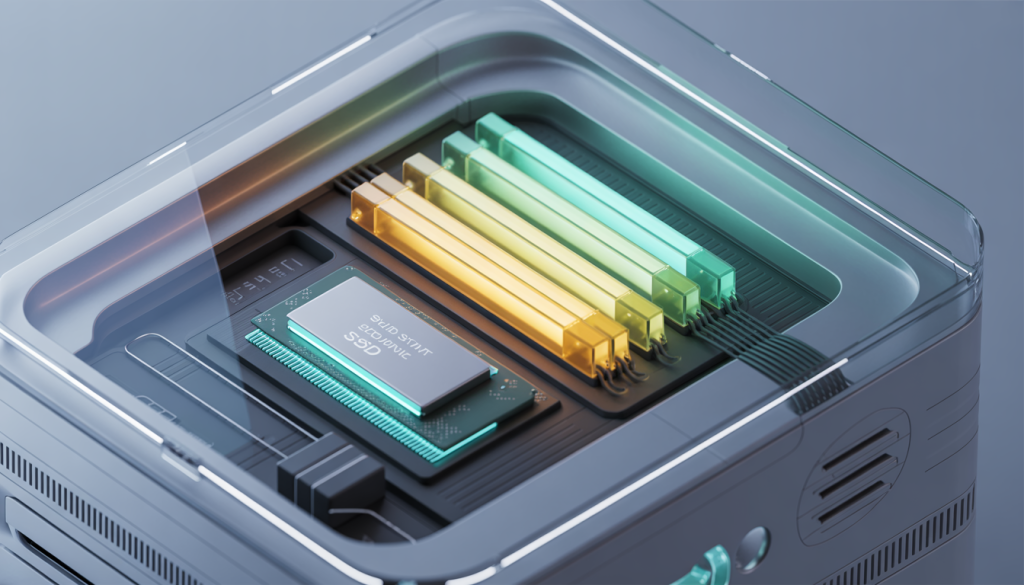
If quick fixes aren’t enough, consider hardware upgrades. Increasing your RAM is one effective way to boost your PC’s speed, allowing it to handle more tasks efficiently.
For more on the benefits of adding RAM, check out this article.
Other hardware upgrades to consider:
- Upgrade to a solid state drive (SSD): Switching from a traditional hard drive to an SSD can significantly improve speed and reduce boot times.
- Check for hardware issues: Faulty hardware can cause slow performance. Ensure all components are functioning well and replace any that aren’t.
By addressing both software and hardware, you can greatly enhance your PC’s speed and enjoy a smoother computing experience. For detailed guidance, read How to Speed Up Your Computer Like a Pro.
Maintaining Your PC for Better Performance
Regular maintenance is key to keeping your PC running efficiently. Here are some essential tips.
- Regular cleaning: Dust can cause overheating and slow down your PC. Clean your hardware regularly. For guidance, visit Newegg Insider.
- Disk cleanup: Use built-in tools to remove unnecessary files and free up hard drive space.
- Check for malware: Regular scans for malware and viruses can prevent slowdowns.
Software Solutions for a Slow PC
Software solutions can also help improve your PC’s speed. Here are some effective strategies.
- Optimize your system: Use iolo’s System Mechanic® to clean and speed up your PC. It can enhance processing power, internet speed, and drive performance. Learn more about optimizing with System Mechanic Pro here.
- Uninstall unused programs: Removing software you no longer use can free up resources.
- Manage startup programs: Reducing programs that start automatically can shorten startup time.
- Regularly update software and drivers: Keep your software and drivers updated to ensure efficient hardware function.
These strategies can help you maintain a smooth and efficient PC, minimizing frustration from slow performance.
Avoiding PC Errors and Crashes
Frequent errors and crashes are frustrating. Here are some tips to prevent them.
- Keep Software and drivers updated: Updated software applications and drivers ensure hardware and software compatibility, reducing errors.
- Monitor system health: Use tools to check your system’s health and spot issues early. For more, visit Fix Errors, Crashes, and Freezes.
- Install reliable antivirus software: Protect against malware and viruses that can cause errors.
- Regular backups: Back up your data regularly to prevent loss from crashes.
Implementing these practices can help maintain your PC’s performance and prevent slowdowns due to errors and crashes.
Boosting Internet Speed for Better PC Performance
A faster internet connection can enhance your PC’s performance. Here are some tips.
- Check your router: Place it centrally and away from obstructions for a better signal.
- Optimize browser settings: Clear your browser cache and disable unnecessary extensions.
- Limit background applications: Close apps using bandwidth in the background, like automatic updates.
- Upgrade your plan: Consider an internet plan upgrade if you frequently experience slow speeds.
By following these tips, you can enjoy a faster internet connection, enhancing your PC’s performance. For comprehensive PC optimization, explore iolo’s System Mechanic® products, designed to boost processing power and improve internet speed.