

Drive Eraser Software
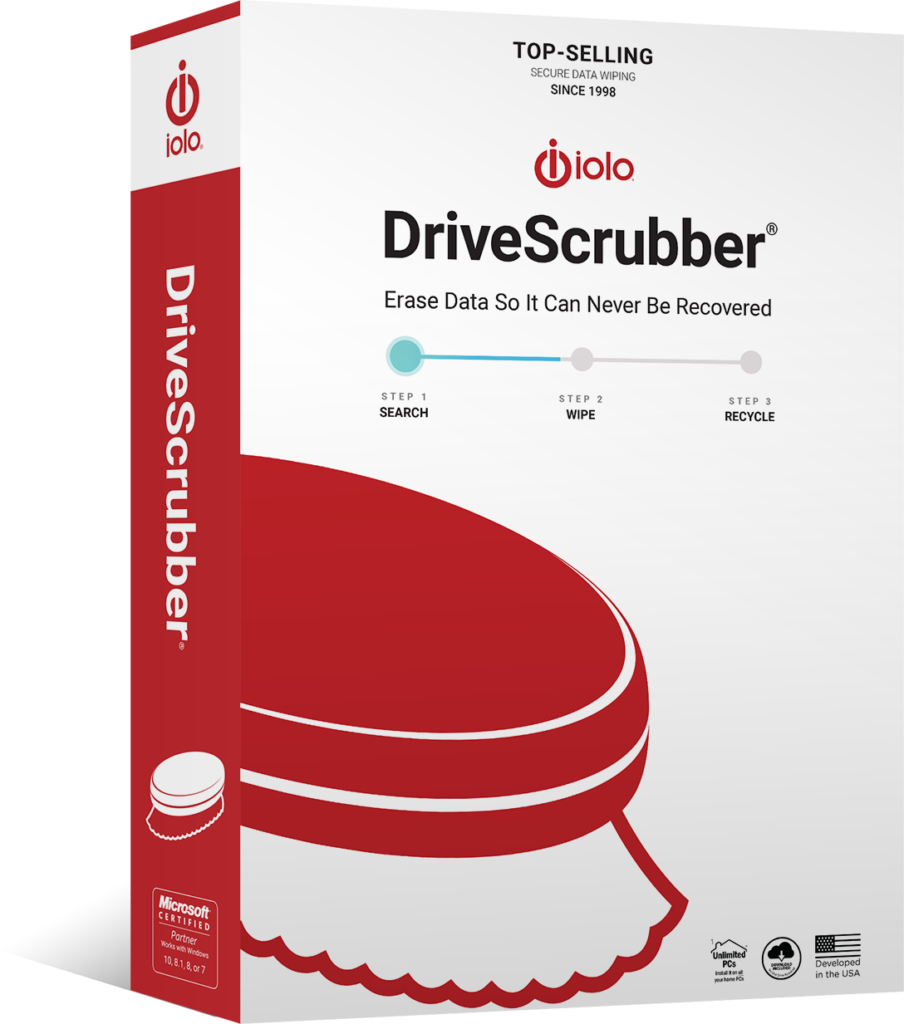
If you’re looking for a fast and effective hard drive scrubber software, then look no further than DriveScrubber from iolo. Secure your personal information when you sell, donate, or recycle your computer with a hard drive eraser and hard drive scrubber.
DriveScrubber permanently erases your hard drive data, exceeding Department of Defense security standards and ensuring that your private files will never be recovered, giving you complete peace of mind when your computer is no longer in your possession. And at only $27.95 , you won’t find a better deal anywhere else. Get DriveScrubber today.
Get It Now!(Available for Windows® 11, 10, 8.1, 8, and 7)

The Importance of Securely Wiping Your Hard Drive
So, why is it so important that you can erase all your data from your hard drive, so that it can never be recovered? Put simply, if you’re wishing to sell, give away, or recycle your computer, iolo’s competitively priced DriveScrubber will ensure that you can erase all your personal information permanently, so that it doesn’t fall into the hands of someone you don’t want it to.
If someone has access to your personal information, you are opening yourself up to things such as breaches of privacy, collection of data, and even identity theft. When wiping your hard drive with DriveScrubber, such information will be forever unrecoverable – and that’s a promise.
In addition, if your computer has been damaged by stubborn spyware, malware, or viruses, you can rectify the problem by running drive eraser software. Not only will this clear up any issues you’ve experienced from such cyber-attacks, but a clean hard drive will have removed any unnecessary files and data and will drastically increase your machine’s performance, so you won’t have to spend potentially hundreds of dollars on repairs or a new computer – Driver eraser software is a well worthwhile investment when it comes to your digital safety and protection of privacy.
iolo’s Drive Scrubbing Software
iolo offers an easy to use and affordable drive eraser software in the form of DriveScrubber. Competitively priced and highly effective, this software is guaranteed to give you peace of mind when it comes to protecting your personal information from prying eyes, or if you just want to simply increase your computer’s performance.
DriveScrubber features military grade data removal, ensuring that your data can never be recovered or stolen once you have wiped your hard drive. When you purchase DriveScrubber, you can use it on an unlimited number of PCs, ensuring that all your equipment and data is safe. The software has an incredibly quick and easy installation process and can wipe your hard drive clean without any trace of previous files from an incredibly intuitive and user-friendly interface. With a 30-day money back guarantee, free product support, and compatible with all Windows operating systems, when it comes to drive eraser software, no one does it quite like iolo.
Key Features
DriveScrubber boasts an array of features that truly set it above some of the other drive eraser software available on the market. At a highly competitive price point, DriveScrubber allows you to:
-
 Have customizable tools
 -
 Have completely secure wiping methods
 -
 Have scalable options to suit your specific needs
 -
 Scrub your hard drive at an unrivalled speed, without compromising on security
 -
 Have compatibility with all your relevant devices
How to Use DriveScrubber
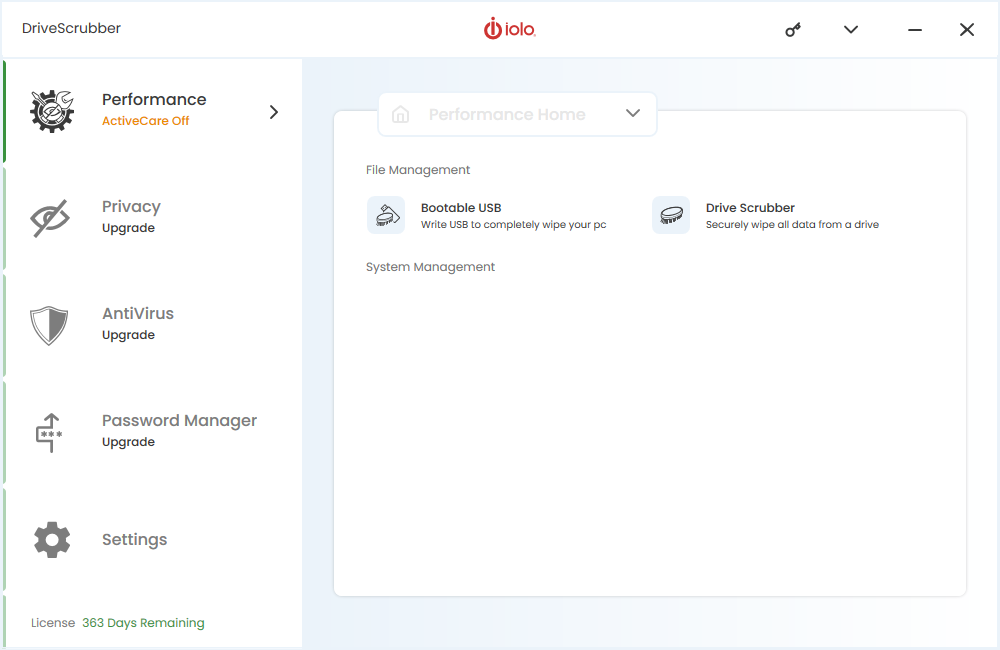
DriveScrubber boasts an incredibly intuitive and easy to use user interface, ensuring that wiping your hard drive permanently couldn’t be simpler.
System Requirements
- PC with Windows® 10, 8.1, 8, 7, Vista, or XP (SP3)
- 10 MB of available hard disk space
- Minimum 512 MB RAM (optimal 2 GB)
- Internet connection
- CD/DVD drive with burning capabilities plus blank CD-RW (to create DOS-based boot disk)
- Blank USB drive (to create Linux-based boot disk for newer computers)
Installing from Disc
- Insert the Installation CD that came with your retail purchase and follow the instructions in the installer wizard.
- During installation you will be asked to enter the Activation Key provided in the retail box you purchased.
- Completely type all letters and numbers, exactly as shown. (Any hyphens will be automatically entered.)
- On the last screen of the installation wizard, click Finish. You may be prompted to restart your computer to complete the installation.
Installing from Download
- Ensure that your internet connection is on and that no firewall or security programs are blocking outgoing access.
- Go to ds.iolo.com. Choose a destination folder and click Save.
- Open the installation file from either your browser download tray or the folder in which you saved it. If the User Account Control window appears, click Yes.
- After the iolo Download Manager finishes, if prompted, click Yes to save a copy of the installation file.
- When the installer wizard opens, follow the steps onscreen to complete the installation of DriveScrubber.
Benefits of iolo’s Drive Wiping Software
DriveScrubber features an array of benefits that truly cements it as some of the best drive eraser software available on the market today.
Firstly, it is highly affordable and indeed competitively priced. At only $29.95 (as a one-off payment) there are no hidden or subscription fees, making it some of the cheapest drive eraser software currently available, without compromising on the quality of the job it performs.
In addition, iolo’s drive wiping software can perform a complete hard drive wipe in a matter of minutes, whereas other drive erasure software typically takes hours, and sometimes even days. Marry this with the fact that DriveScrubber has an incredibly easy to use user interface, it’s no surprise why it is considered some of the best and most popular drive wiping software currently available on the market.

Customer Testimonials

Problem: PC Tune Up
“DriveScrubber works beautifully! After cleaning out bad/dead files, my machine works much faster and better than before. A final sweep with my security software seals the deal. iolo, thanks.”
FAQs
What is DriveScrubber?
DriveScrubber is a piece of drive erasure software that permanently erases your hard drive data, exceeding Department of Defense security standards and ensuring that your private files will never be recovered.
Do I need a subscription to use DriveScrubber?
No, DriveScrubber is available as a one-off payment for $29.95, with no hidden fees or subscription charges.
Does DriveScrubber permanently delete my files?
Yes, DriveScrubber will permanently erase your files if you are giving away or selling your PC, meaning that your data cannot be recovered by hackers, scammers, or fraudsters.
Is DriveScrubber easy to use?
Yes, DriveScrubber features an incredibly easy to use user interface, which is what sets it above the other drive erasure software available on the market.
Ensure that your data can not be recovered with iolo’s unique drive erasure software, DriveScrubber
As one of the most affordable and easy to use drive scrubbing software available on the market, you are in safe hands when you purchase DriveScrubber. Boasting unrivalled reviews and cementing itself as some of the most popular drive eraser software on sale currently, nobody does it quite like iolo. Safeguard your personal information and get DriveScrubber today.